Pull to start
Pull Niki down, choose one of five time marks, then let go.
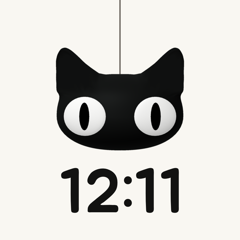 Niki Timer
iPhone
Pull Niki down to start a timer. Leave it open and Niki keeps you company as a desk clock.
See how it works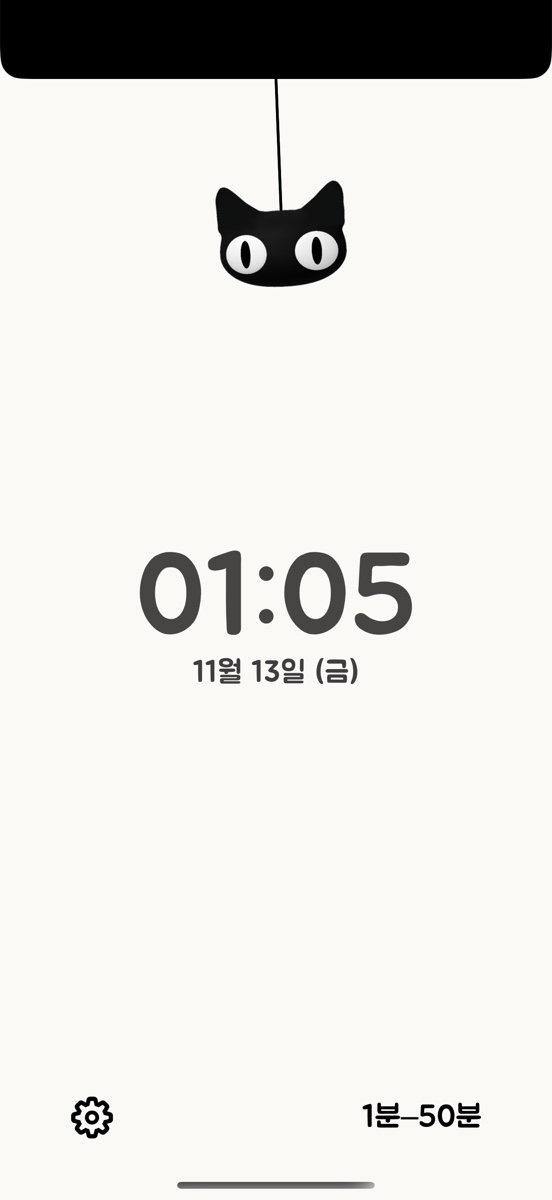
Pull Niki down, choose one of five time marks, then let go.
Niki rises as time passes. A brief tap and a change of expression mark the halfway point.
An optional note appears when the timer ends. Choose a single sound or a repeating alarm.
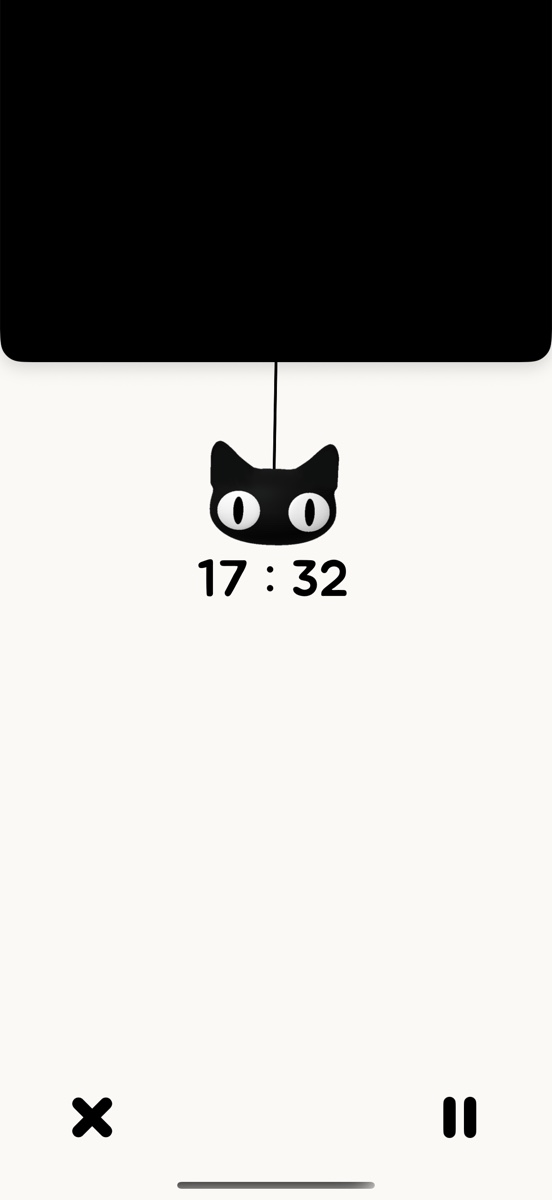

Tap the time to switch between 12-hour and 24-hour display. Settings also offer an optional date and dark mode.
Allow notifications or alarms in iPhone Settings. Availability and delivery depend on your iOS version and permissions.